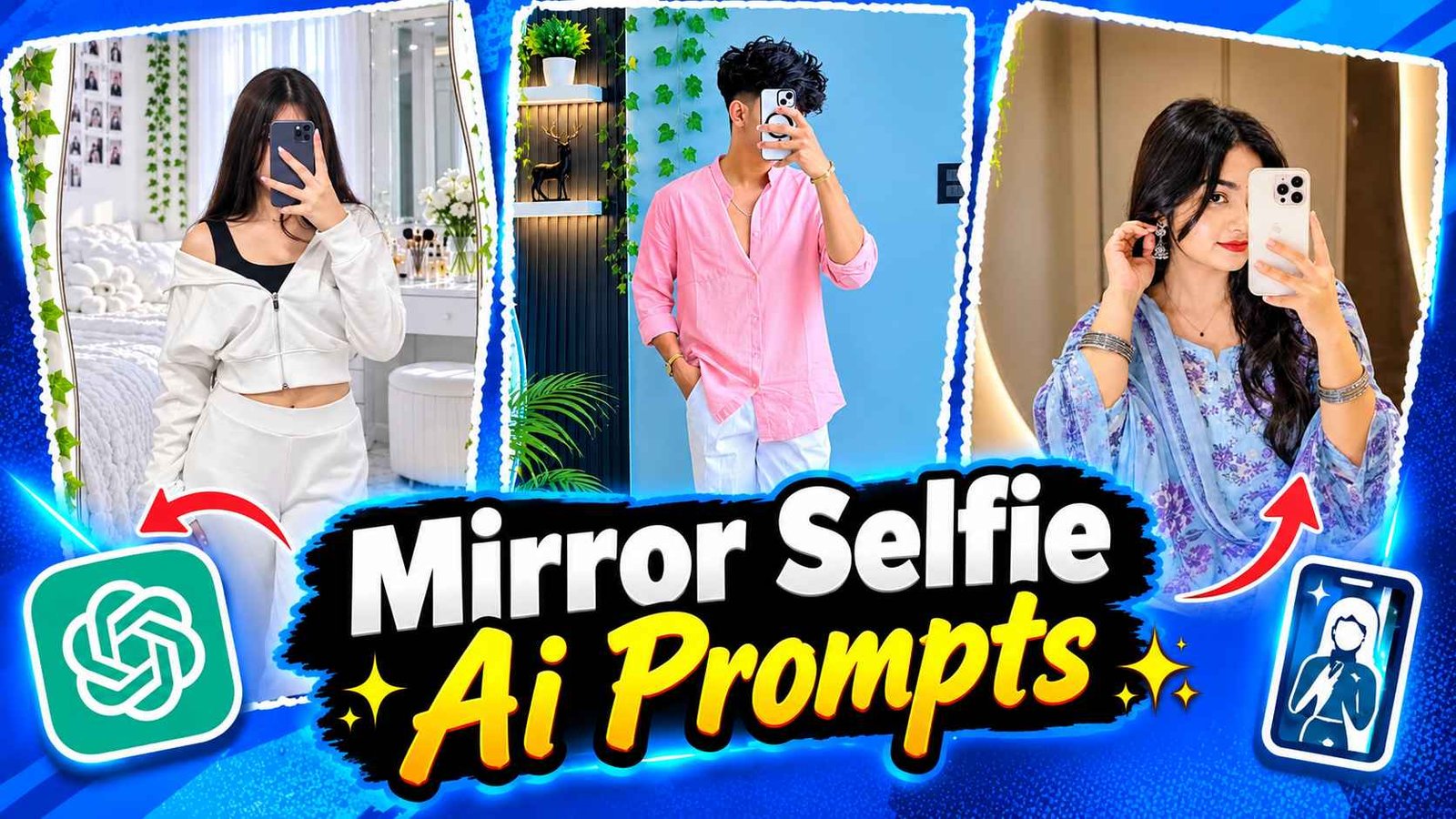
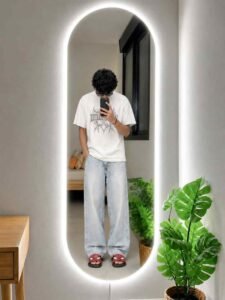
Mirror Selfie Ai Prompts – There is a mirror picture on Instagram which is going viral very fast these days. Everyone might be thinking that this is an original photo clicked by oneself but let me tell you. The mirror photo you are seeing is not any kind of photo clicked but has been created by artificial intelligence. People are creating that kind of photos by adopting different methods. Like what are some people doing. Some people are making such a picture by taking their own original photo along with the background, while some people are making the picture by adding a prompt along with the selfie photo. Currently it is being known as Mirror Selfie Ai Photo Editing on social media. Be it YouTube, Instagram or Facebook, this blue mirror selfie picture is going viral very fast. If you are also thinking of making that kind of photo. Be it with the help of background or using the complete prompt along with your selfie photo, then you have come to the right place because in today’s article we are going to share a lot of prompts to create that kind of picture related to mirror selfie.
Using which you can easily create not only blue mirror selfie but also golden, mirror selfie and white mirror selfie. In this article, we will try to share all the prompts with photos so that by looking at the photos, you can get an idea of what kind of picture we can create with the help of which prompt.
Detail Of Mirror Selfie Ai Photo Editing
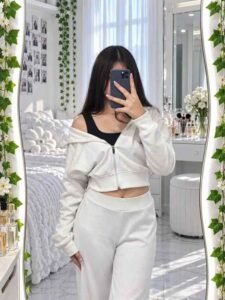
As I told, in this we will not share only one mirror selfie photo prompt but will also share many similar mirror selfie photo prompts which have gone viral on social media especially on Instagram, like the first picture was of golden mirror selfie, in which golden lights were burning on the four corners of the mirror and the mirror is shown in a very wonderful shape. The second picture which has gone viral is of a blue mirror selfie in which a room is shown in which various types of decorations are installed on the bed wall along with a mirror. A big size mirror is installed in which blue aesthetic lights keep burning at the four corners which look quite spectacular. We have also seen a similar photo of a white mirror selfie in which white light is placed around the entire mirror. So prompts for making similar photos will be shared here. Rest we have also shown some photos inside the article. Along with this, the thumbnail is also shown inside which you can get an idea by looking at it. We can use any type of photo to create such a picture.
Should We Use Background As Well?
See, if you want our original photo, that is, if you click your full body photo and the same photo appears in front of the mirror, then you can create the photo using the background, in which you will only have to add the background. Along with adding your photo, you will have to tell the AI that you should make such a photo using our full body photo, that is, place my photo in front of the mirror and edit our photo well by color grading it with the background so that it does not look at all that it is a duplicate. Meaning it has been created by AI or has been edited. Currently, people are using the background to create the blue mirror selfie photo that has gone viral on Instagram, but we are giving a prompt along with the photo. If you add photo and prompt with full body then your complete photo editing will be done easily. If you want to create a photo with the help of background, then first you will have to save the background from Instagram. You can write this on Instagram.
Blue Mirror Selfie Background Various types of backgrounds can be seen. From there you can take your photo and use it to create a viral photo. Otherwise, if you want to make a selfie with the help of a prompt i.e. with the help of a photo, then you can make the photo using the prompt given in this article.
Mirror Selfie Ai Prompts

AI PROMPT

AI PROMPT
AI PROMPT
AI PROMPT
PHOTO CREATE
How To Create Mirror Selfie Ai Photo Using Prompts?
To create a photo with the help of prompt, you can adopt three methods. First, you can easily create a photo by using Instagram Restyle tool. You can also create a photo with the help of chatgpt and we can also create a photo easily by using gemini. All you have to do is first copy the prompt from here. In a good way, after the prompt is copied, open the AI tool you want to use and select. The Create Image option and then create your image with the help of the media option. After adding the photo, generate it by entering the prompt in the chat box. Your photo is ready within some time. Sometimes, we don’t get the perfect photo on the first try. If this thing happens to you too, then you can try again. You can create your final photo after one or two attempts. Once you create your final photo, you can. You can make it better by editing it a little more with the editing app.
Conclusion
Similar to the mirror selfie photo which is currently going viral on social media. In this article we have given you information about making many types of mirror selfie photos. We also share the prompts and step-by-step instructions to create these photos. What kind of photo should we use to create our photo so that we can get good results. We have explained everything very well, so please try making the photo once using the given Mirror Selfie Ai Prompts. If you like editing, meaning you keep creating viral pictures with AI, then keep visiting this website often. We share prompts for creating all kinds of viral photos here. How did you like today’s article? Please tell us in the comment box. Thank you very much for visiting our website!