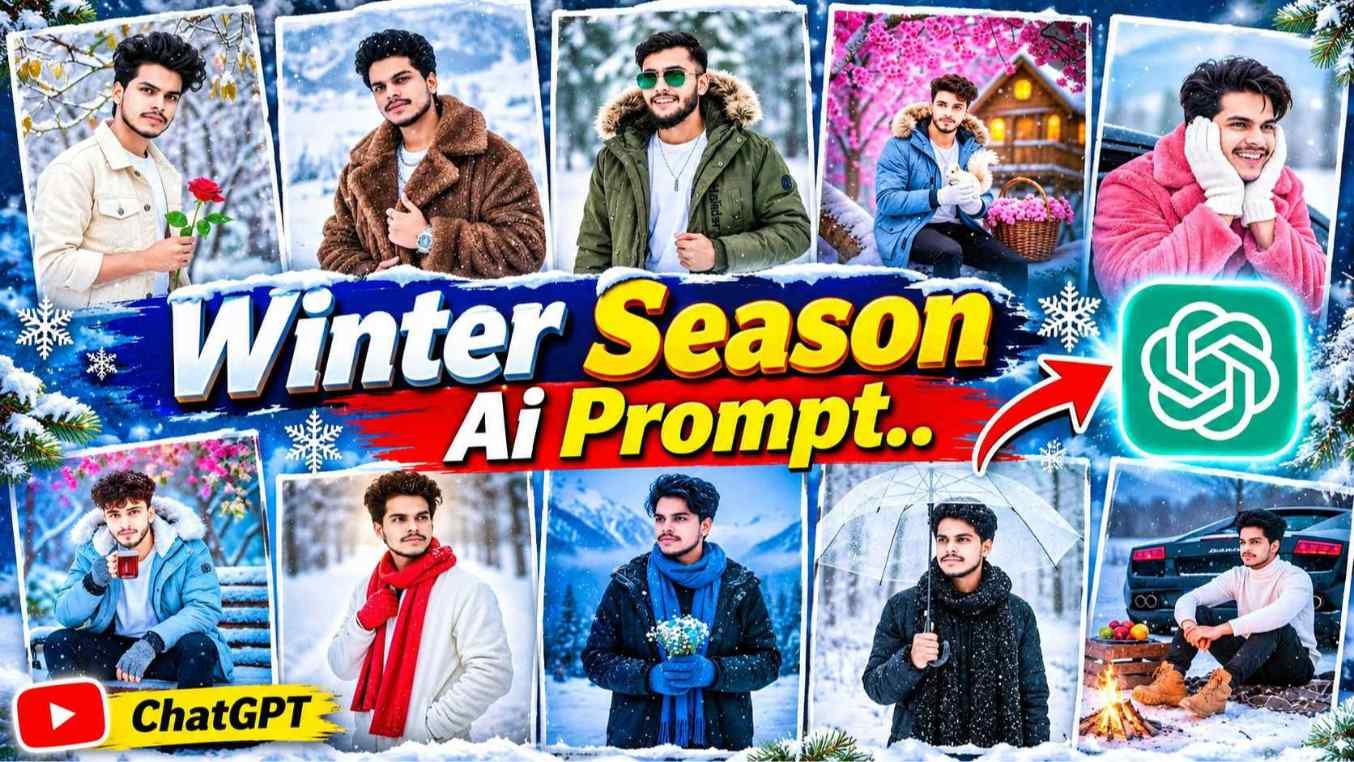
Winter Season Ai Prompt – The month of November is almost ending and now the month of December is about to begin and you must be aware of it. It starts getting mildly cold in the month of November and by the time December comes, it becomes completely cold. It means that the cold season has now started and when the summer season arrives, people make different types of photos related to it. Be it while eating mango or litchi. By the way, even during the cold season, people will now use artificial intelligence to create different types of photos, whether it is with a snowman or with a snowy background. All kinds of people will now make photos related to cold. Keeping this in mind, we thought why not give you a prompt. Yo make some photos in advance during the cold season. In this article, we are going to tell you about making photos. On winter season with the help of AI and will try to share prompts. Making different types of photos related to every winter season.
So that you can first make a photo by taking the prompt. From here and upload it on Instagram and go viral. Whatever prompt. We will share in this, you can use it to create different types of photos in chatgpt with the help of just one of your photos.
Winter Season Ai Photo Editing
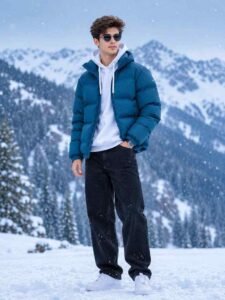
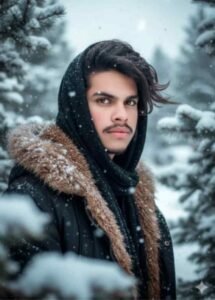
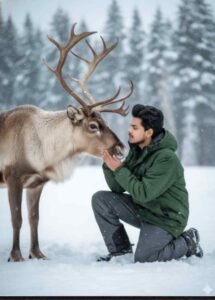
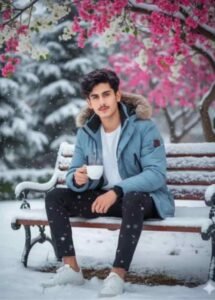
People like to make all kinds of photos during winter season. Be it with a snowman or in a snowy background and wearing the best outfit. Many people also add the text of winter season in their photos and many people even add different types of winter-related snowy houses in the background. We will not need to think much about making photos in that kind of winter season and we will not need to do much. We just have to keep a photo ready in which our face is visible properly. Using the same we can easily create photos in every type of look. Now it is not that your photo should be related to cold only. You can use any type of photo. Before making the photo, look carefully at all the photos that we have shown in this article, whatever look you want to make the photo. A prompt will be found just below that. What you do is copy the prompt by clicking the copy button, then copy the photo using chatgpt and gemini.
If you do not see the same result as you copy the prompt after looking at the photo, then you can save the photo and add it to Ai tool and tell it to make your photo look exactly like this.
Some Information About The Winter Season
As soon as the winter season arrives, people start feeling like seeing something new and different in their photos. In this season, there is cold atmosphere all around and in such a situation people like to wear warm clothes, jackets, sweaters, caps and mufflers. Now people want to show the look of this winter season in their pictures also. Some people want to make their photo amidst snowy mountains while others want to create a wonderful picture by standing with a snowman. There are some people who want to be seen in their photo enjoying the cold weather with a cup of coffee in their hand. Earlier, a lot of hard work was required to create such a photo, but now with the help of AI photo editing, the desired winter look can be created in a few minutes. All it requires is a good photo and the right AI Prompt.
Winter Season Ai Prompt
AI PROMPT

AI PROMPT

AI PROMPT
AI PROMPT
AI PROMPT
AI PROMPT
CREATE PHOTO
How To Create Winter Season Ai Photo Using This Prompt?
Now let’s talk about how you can create your photo for the winter season with the help of AI Prompt. You don’t need to do much for this. First of all, you have to carefully look at all the winter season photos given. In this article and copy the prompt given below the photo. The look you like the most. After this, open either ChatGPT or Gemini AI tool. Now you have to upload a photo of yourself in which your face is clearly visible. After this, the copied prompt has to be pasted there. The AI has to be asked to make a photo. If you have selected a picture as reference, you can also upload it in the AI tool. This will make it easier for AI to understand what kind of background, outfit and look you want. Your winter season AI photo will be ready in no time. If the photo doesn’t turn out as per your expectations the first time. You can try again by making slight changes in the prompt.
Conclusion
For those who are thinking of making photos related to the cold season. Today’s article Winter Season Ai Photo Editing Prompt. Can prove to be very good because in this article we have shared the prompt. Making photos with all types of AI related to the winter season i.e. cold season. With just a good photo and the right prompt, you can create different winter looks for yourself. In this article, we have tried to explain about making many types of photos related to winter season. We hope you liked all the photos and prompts given here.