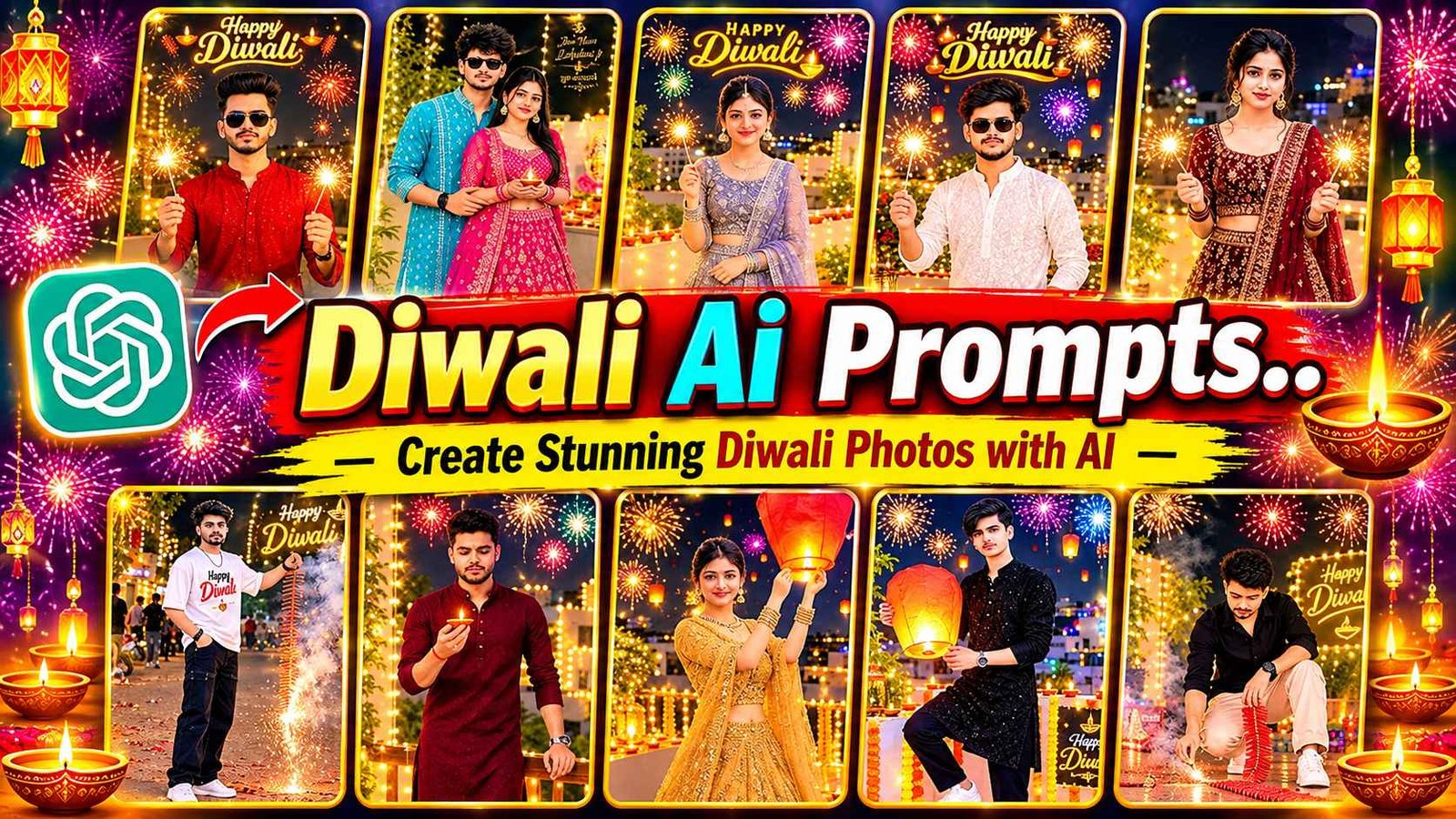
Diwali Ai Photo Prompt – This year in 2026, a different scene is going on. You must have seen it on social media, especially Facebook. Click on the link below to close the individual’s individual selfie. What everyone is doing is just taking a selfie photo of themselves and wanting to share a rehabilitated photo somewhere so amazing that they look as real as if every other person is like their photo. People are using Artificial Intelligence to create very real looking pictures. If it is a boy, a girl or a couple. Right now every type of photo is being made on social media. Fire may be that of breaking a bolt or lighting a lamp. There are lanterns flying in the sky. People are sharing their favorite pictures through prompts even before they are released. If you are also thinking about creating real age looking pictures through Artificial Intelligence, then in today’s article we are connected with complete information about AI photo editing. You need to know how to use prompter and how to copy. From here then how to create a photo using ChatGPT or Gemini.
Detail Of Diwali Ai Photo Editing
Look at all the photos we have seen so far. From what I see, it seems that people have really clicked their photos manually on Diwali because the real-looking people in the photo wear stylish clothes related to the festival. The boy is wearing a stylish kurta and the girl is wearing a traditional lehenga. The way people decorate the rooftop of their houses with lights during Diwali. Will be seen in the background of the picture made in the same way. The house is well decorated. Like people are seen lighting different types of lamps on Diwali or bursting sky lantern firecrackers in the sky, they do everything. Similarly the picture is made in it. Currently, pictures related to Diwali festival are going viral on Instagram. In today’s article we will tell you about making all types of photos. We will also try to provide any useful prompt along with the photo. You can easily create photos with the help of chatgpt and gemini. If you want our photo to look different i.e. with HD quality full color grading, then color grade the photo created by AI with the help of editing app, especially Lightroom.
So that your photo looks unique. Use different types of prompts. You can create a unique picture which will instantly go viral on Instagram.
About Diwali Ai Photo To Video Editing
You must have seen that people are not limited to making photos on Instagram. After making photos, people have also started making videos related to Diwali, they are not only making photos and uploading them, but also making and sharing videos of Diwali using AI i.e. artificial intelligence and not only the photos are going viral but the videos are also going viral with such speed that other people also start thinking of making similar videos. In this year 2026, there are many Diwali videos made by AI which are going viral very fast, like the first video we have seen is Diwali Transaction AI video which was made by a girl. That video has gone viral very fast. Secondly, there are many other such videos of firecracker bursting which are going viral very fast. If you also want to make a video on that kind of viral trend, then you can easily make the video by going to the AI video editing category of our website and taking the prompt or let me tell you that you will just need a photo to make that kind of video.
That means you can easily make a video using Diwali photos only. To make a video, you can either use Google flow or use the create video option of gemini. Very amazing videos can be made with both. Then later with the help of editing app he has to edit the video properly by muting the sound and adding Diwali song.
Diwali Ai Photo Prompt
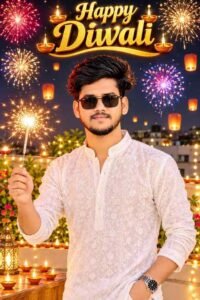
AI PROMPT
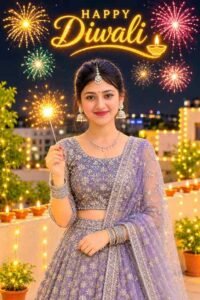
AI PROMPT
Ai Photo Editing
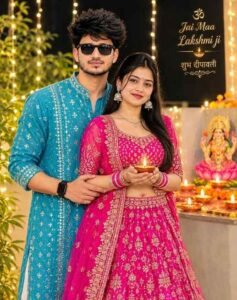
AI PROMPT

AI PROMPT

AI PROMPT
How To Create Diwali Ai Photo Editing Using Prompt?
Before making a photo with the help of chatgpt or google gemini by using the given prompt, try to ensure that your reference photo is as good as your photo will be, so whenever you click the reference photo, click with the front camera. Half body or only face photo, because to create any kind of photo with the help of prompt, only the face has to be used. Not only this, if we copy the prompt properly, it means that the better our prompt will be and the more correct things are written in it, the better our photo will be. After the prompt and photo are ready, let us explain step by step how we can create the photo with the help of AI tool.
- Choose your favorite AI tool like chatgpt
- After opening chatgpt, login with your Google account.
- Select the Create Image option shown on the screen.
- Add your reference photo by clicking on the plus option below.
- After adding the photo, enter your favorite prompt in the chat box.
- After entering the prompt and photo correctly, click on the Generate button.
- Now wait for the photo to be created.
- After waiting for about 1 minute your photo will be ready.
- Click on the photo to take a better look at it.
- If you like the photo, save it.
Conclusion
In today’s article, we have told about making different types of photos related to Diwali festival. Whatever photos related to Diwali festival are going viral on social media, especially Instagram, we have tried. There are prompts for making all types of photos to be shared in this article. So, before Diwali, definitely make photos using the Diwali Ai Photo Prompt given and upload them on your respective ID. How did you like today’s article on Diwali photo editing? Please give your feedback in the comment box and keep visiting this website to get various prompts related to editing or other types of material related to video editing.