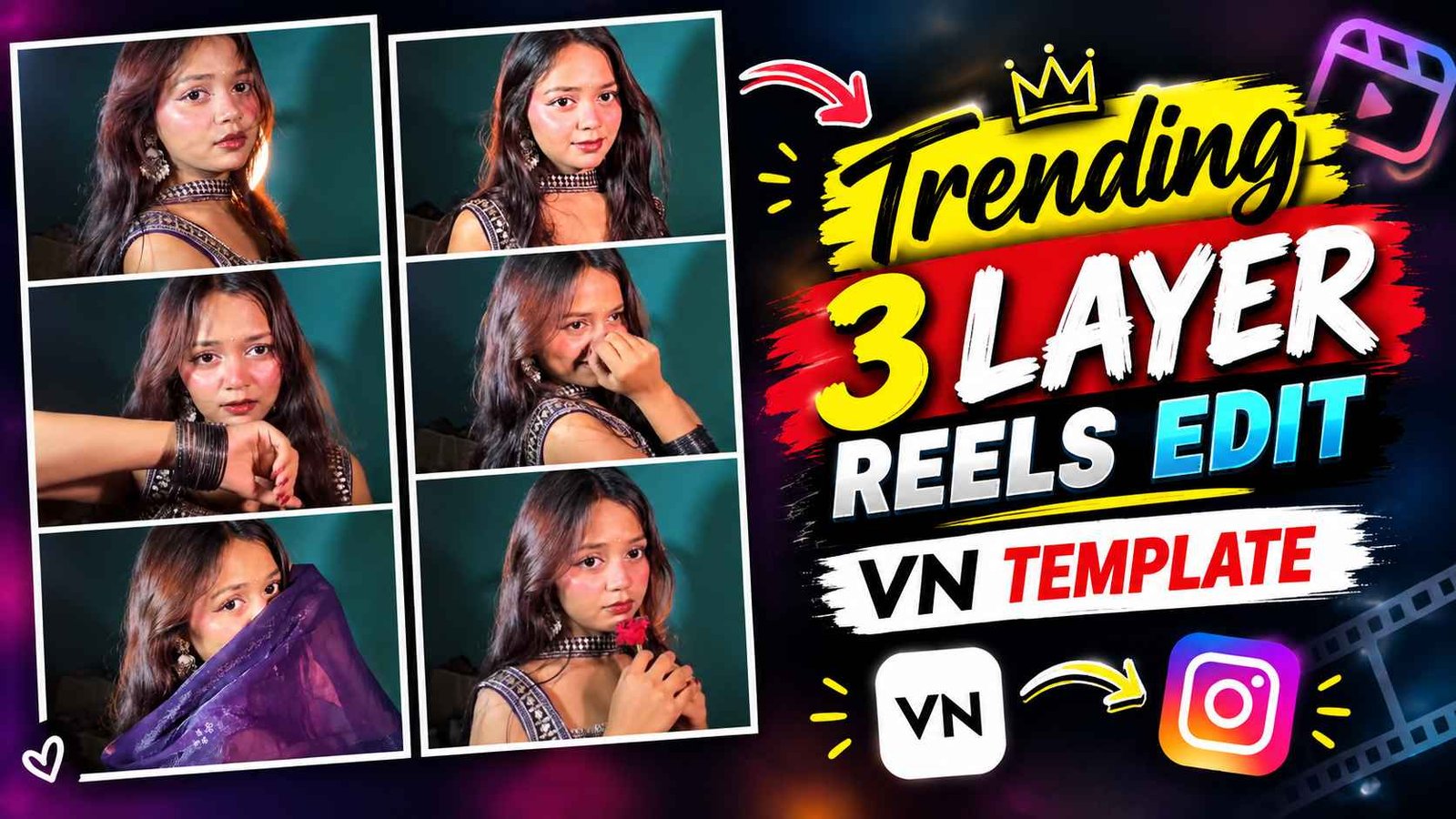
3 Layer Vn Template – Friends, if you have been using Instagram for a few days, you must have seen a video in which the same video is shown in three different frames. Yes, that’s the video I’m talking about. That video is currently being known as 3 layer reels editing. This is what will be seen in that type of video. In each frame, different types of videos of the same girl are shown. At the beginning of the video, the top video opens first. Then a transition effect or in other words, the second frame video starts playing according to the music. After that the bottom frame moves with different poses and expressions. After this the same sequence is repeated again and again. What happens next musically? All videos are shown simultaneously, horizontally, on the full screen. If you are also thinking about editing 3 layer viral reels, but are not able to understand how to do it, then today’s article is going to be very special for you because in this article we are going to give complete information about editing 3 layer reels going viral with the help of vn.
Details Of Trending 3 Layer Reels Editing
If you have good knowledge of editing and know how to do video editing completely, then you can easily edit such videos manually through editing apps especially vn and capcut, but if you want to make your video in just one template i.e. short way then vn template will be the best option. To make such viral videos. Creating a video using a template is easy because all the editing process is already set in the template. We just have to add the video clip and our video is ready in a single click. Like in 3 layer reels editing, all types of editing styles have already been done. All you have to do is to record your video properly first. After recording, while using the template in the vn app, you will have to add your clip to all the frames one by one, then the video will be ready easily. Let me tell you once again how your video will look if you make that kind of video. Look, at the beginning the video is shown in the first layer with a transition effect.
Then after some time the video is shown in the second layer and finally the video is shown in the third layer. All three videos are of different types and not the same at all. Then suddenly the black screen goes for a while and the same thing starts playing again. After this, show the entire video in full-screen mode according to the song. The background music used in such videos is to my liking.
How To Record Your Video For That Kind Of Video?
If we see, the better we record our video, the better that type of 3 layer video will be. I would say that first set your phone properly on the tripod. Then choose a plain background in which there is nothing because if you record the video on a plain background then the video will look very good. Then record your video in landscape i.e. 16 ratio 9 because the video set in three layers will not be set unless you record it in 16 ratio 9. What will happen if we record in 9 aspect ratio and 16 and add video clips to the template? There will be a possibility of your video zooming in and zooming out. What I mean to say is that you have to record your video in landscape as well as portrait because as I told, what happens after some time. Show the video on the entire screen in portrait mode. If you want, you can record only one video and when you set your video in the template, you can set the videos back and forth there. Otherwise, you can record in small clips also.
3 Layer Vn Template

Save 3 Layer Reels Editing Vn Template
It is very important to save the template i.e. vn qr code in your device before making a video. Only then you can use it in vn App. If you have two phones and if you open this website on the other phone, you can also make a video by scanning it there. If you have only one phone then you will have to save the template. What to do for this? In paragraph four, we have shown the template i.e. QR code with a photo, hold and press it, there will be an option to save image or download image. Which you will click on. Save your QR code, i.e., the template, to your gallery.
Make Trending 3 Layer Reels Video Using Vn Template
I told this before making the three layer video. How should we record our video so that it looks as good as yours. After that, let us tell you step by step how we can create that kind of viral reels using vn app.
- Install the VN app from the Play Store.
- Open the app and click on the plus button and select the New Project option.
- Click on the scan icon in the top right corner.
- Select the media option i.e. photo or video and then select the template i.e. QR code.
- As soon as you select the QR code, that video will open.
- If you are making a video for the first time, then a download option will appear, click on it.
- Add your video clips to the template one by one by clicking the use button.
- After adding the video, click on the Next button.
- Your three-layer video will now be ready.
- Save the video to the gallery with the help of the export button.
Conclusion
Currently, 3 layer reels are going viral on Instagram. If you are also thinking of doing that kind of 3 layer viral editing, then today’s article is going to be very special for you because we have given complete information related to that kind of reels editing, how you can easily edit that kind of video through vn app. We have also shared a template with the help of which you can easily create a video in a single click. Also what kind of video should we record to make that video. How to use the template in vn app. We have explained everything about the template clearly, so definitely watch that video once. If there is any problem, please contact us. Be sure to visit this website for all similar content related to editing.