Polarr Qr Code – Do you also want to do photo editing but you do not have any knowledge about editing and still you like editing very much or in other words you have a lot of interest in editing. So today’s article is going to be very special for you. Because today we will talk about a photo editing app with the help of which anyone can easily edit photos without any editing knowledge. No matter what kind of photo it is. Yes friends, today we are talking about Polarr Photo Editing App, using which you can edit any type of photo in just one click with QR code. Whether you take the photo outdoors or in Indore. People who already do editing will know what Polarr Photo Editing App is. But for those who are new and do not know, let me tell them that Polarr is a very great photo editing app in which we can edit all types of photos. Be it color grading in photos. Remove the background. Want to smoothen or whiten your face. Meaning we can do every kind of editing easily.
Polarr Photo Editing Qr Code Filter
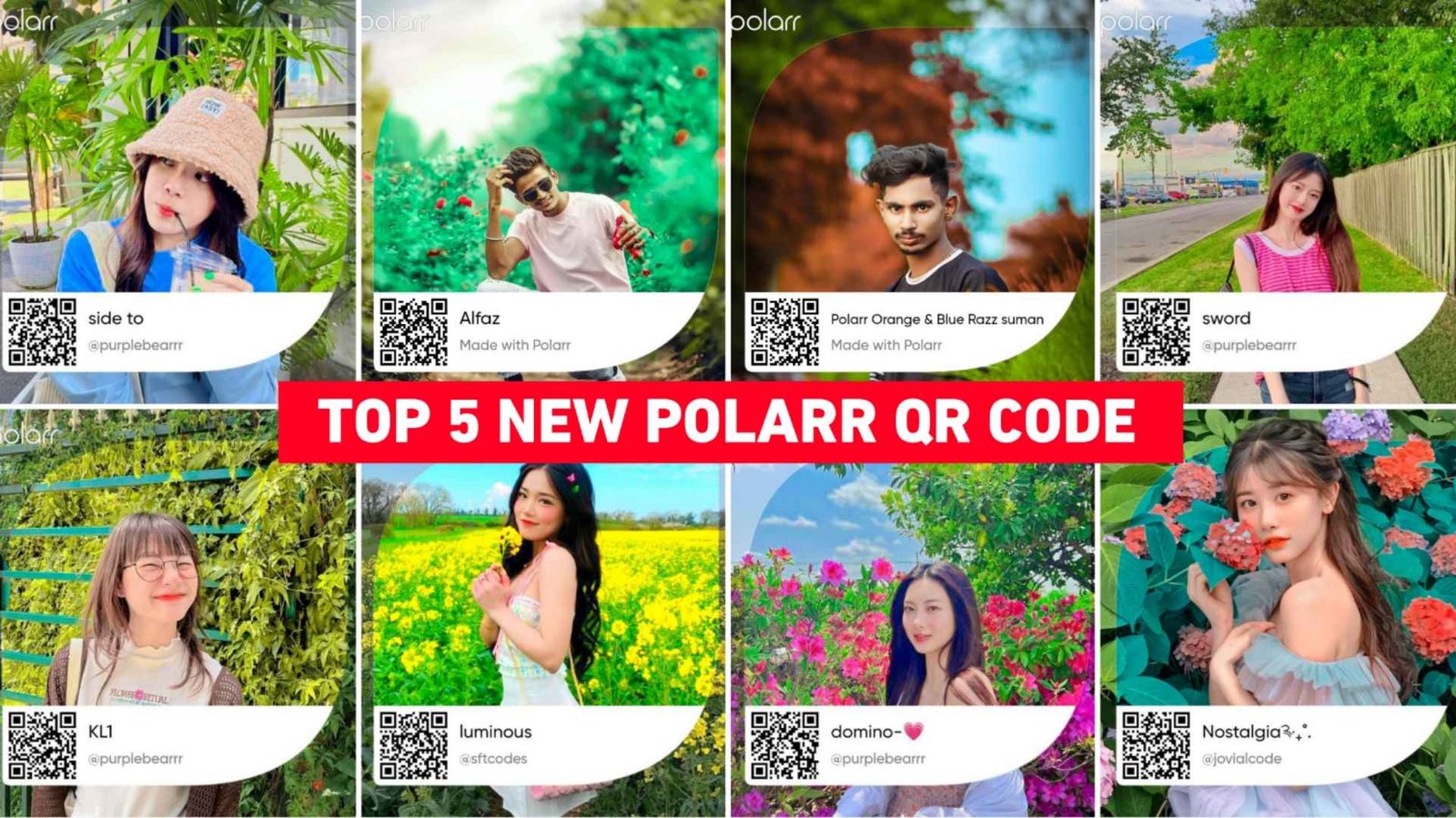
Most of the people know Polarr app for editing photos with QR code because it is the best photo editing app for editing photos with QR code. Snapseed is also known for editing photos with QR codes. But mostly we saw that in the matter of photo editing with QR code, Polarr is considered to be the best photo editing app because after editing the photo with QR code, it edits any type of photo in a very good way by color grading. Along with completely smoothening and whitening the face in that photo. What I mean to say is that the photo is completely edited and given. In this article, we are going to provide QR codes of five such polarr filters with the help of which you can easily edit photos. After the photo is edited, if you feel that there is anything wrong in our photo like the background, your clothes or your face, then you can correct it using the editing tools given manually. Let us know in the next paragraph what things we will need for editing photos with QR code and how we can do it.
Will I Need Two Phones For Editing?
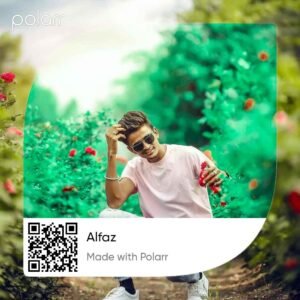
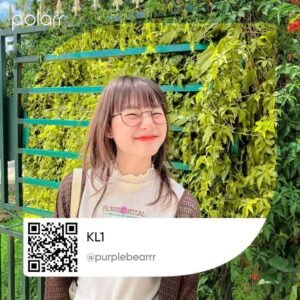
No, we can easily edit the photo from one phone only, with the help of QR code, if you have two phones, then you can keep the QR code on the other phone and scan it there and edit the photo, but if you have only one phone and want. After editing the photo, there is an upload icon. When we edit the photo, we can easily edit it by clicking on the upload option and adding the QR code from our gallery. Like I have uploaded the photos of all the QR codes in paragraph 4 of this article, if anyone wants, they can open our website on another phone and open the code there. Then they can easily edit the photo by scanning it in the phone they have with which they do the editing, so there is no need to save the QR code. This means that we can edit photos from two phones and can easily edit photos from one phone also. Now we know that if you have a phone then how we can save and edit all the qr codes from a single phone.
Top 5 Polarr Qr Code



Polarr App
How To Save Top 5 Polarr Qr Code?
It is very easy to save all the QR codes shown in paragraph four and to edit. The photo with their help, all you have to do is to edit the photo with the QR code. There you will see a slight preview of how your original photo will look. How it will look after editing. Then you can save the QR code accordingly. To save you just have to hold and press. Above the image, you will get the option of save image, on clicking which your image will be saved in the gallery. Now you can easily edit photos using the Polar app.
Edit Your Photo Using Polarr App Qr Code Filter
After saving the QR code, to edit the photo. First of all you have to install the Polar app from Google Play Store. After installing the app, you have to open the app and login to it with your Google account. Login, you have to upload your photo. By clicking on the profile option. After the photo is uploaded. An icon of QR code will be found on the top side. Click on it and add the saved code by clicking on the input filter. Now add the color code of your choice from the gallery as you want to edit the photo. If you want to do it in green color then add the one in green color. If you want to do it in yellow color then add yellow color. We have also mentioned the name on all the images which can be easily added after seeing them. As soon as you add, your photo will be edited there. Now what to do. There you will get an option of save filter, click on it to save that filter in Polar app.
Similarly, add all the colors one by one from the gallery and click on the save filter and lastly go to the profile option. Then go to the save option. You can see how much color has been added to one of your photos. Now whichever photo you like. By clicking on it you can easily save it in the gallery by clicking on the share button.
Conclusion
People who were looking for qr code to do photo editing with Polarr app. Today’s article is very special for them. Because we have provided top five such polarr QR codes with the help of which they can edit very beautiful photos. How to do photo editing with QR code and whether we will need two phones to do photo editing. We have given complete information about everything. Now I hope that after knowing and understanding all the methods mentioned by us. You must have learned about photo editing with the help of QR code. If there is still problem. You can definitely ask us and keep visiting our website for Lightroom preset or background PNG related to editing.