Sawan Ai Photo Prompt – As soon as the month of Sawan arrives, echoes of ‘Bol Bam’ and ‘Har Har Mahadev’ are heard all around. In every house, people keep listening to the song Bol bam related to Sawan in the morning. So someone prepares to offer water in the Shiva temple. But for the last one or two years, one more thing is being seen a lot in Saavan. People are creating their photos with the help of AI with Lord Shiva or offering water to Shivling. If you have seen Instagram, Facebook or WhatsApp status, you will find thousands of such photos there. The funniest thing is that after seeing the photo, no one can tell whether it is real or created by AI. Your facial features remain exactly the same, only the background, clothes and the entire atmosphere changes. This is the reason why this time as soon as Sawan starts, Bol Bam AI Photo Editing Prompts. Are becoming very viral on the internet. In this article I will share the prompts of all the photos. Which these people are making on the month of Sawan. Which can be easily copied.
Sawan Special Ai Photo & Prompt Guide
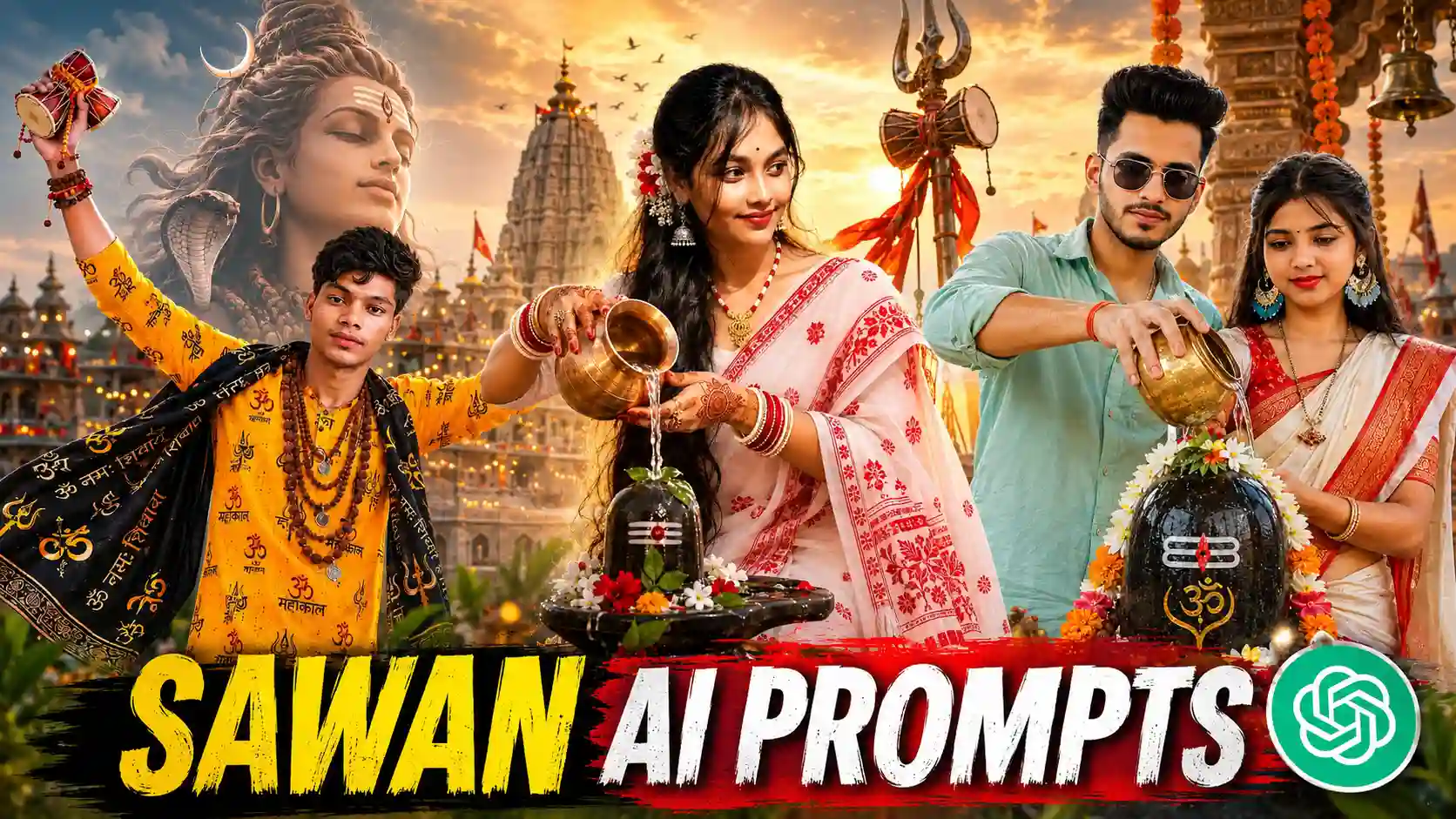
In the last few days, you must have seen AI photos related to Sawan on Instagram, Facebook or WhatsApp. So you must have noticed that almost all the photos are being made in the same style. In some photo, a boy is offering water from a brass kalash on the Shivalinga of Lord Shiva. So in some, the girl is seen worshiping wearing a white or white-red colored saree. In many pictures the boy is standing wearing a saffron T-shirt, Gamchha or Kanwariya dress. Who is leaving for Baba Dham on Kavad Yatra, while the Ganga Ghat, Big Shiv Temple, bells, saffron flags and crowd of devotees are shown. In the background. In some photos, the morning sun is seen rising. While in others the golden light of the evening makes the whole picture even more beautiful. There are many such pictures which are going viral very fast on social media, especially on Instagram and YouTube. Most of the people are currently making a photo of offering water to the Shivalinga of Lord Shiva because in Somari, devotees often perform puja and fast for the whole day just to offer water to the Shivalinga of Lord Shiva.
The biggest feature of these pictures is that after seeing them no one can easily say that they have been created by AI. AI keeps the face of your selfie exactly the same and prepares the entire scene accordingly. It seems as if you have actually visited a big Shiva temple or Ganga Ghat and got your photo taken.
Can I Create Such A Photo Manually?
Yes, these types of photos can be created without the help of AI, but for this both good experience of photo editing and patience are necessary. If you have enough editing knowledge then you can create this type of photo using PicsArt, Photoshop or other photo editing apps. First of all, you have to take a good quality photo of yourself, after which you want to make the photo look like Shiv Temple, Ganga Ghat. Accordingly, first save or download the background and PNG in your device. Then after that, use whichever editing app you find easy to create the photo. Most of the people take the help of PicsArt app for mobile application, then install and open the PicsArt app and add the background and add the photo as per your choice. If you want to create a photo using the photo, then with the help of Add Photo tool, add all the PNG you have one by one and place them wherever you want to adjust as per your choice.
Sawan Ai Photo Prompt

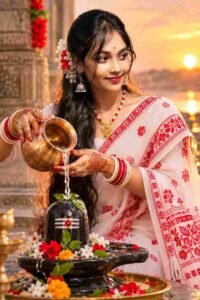
Bol Bam Ai Prompt
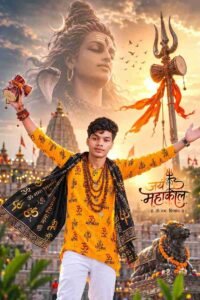
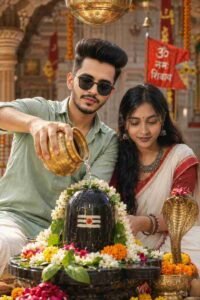
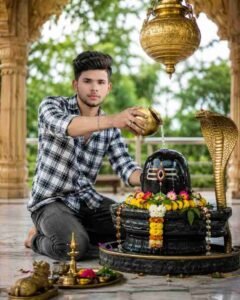
How To Create Sawan Ai Photo Using Prompt
If you also want to turn your ordinary selfie into a viral Saavan Special AI photo. Then first of all you should have a clear and high quality photo taken from the front. Which we call selfie photo. After this go to ChatGPT or any other AI platform and upload your photo and write the detailed prompt as per your requirement. There is no need for you to write a prompt, we have already prepared prompts for all the photos. Whatever photo you want to create, look at that photo carefully and you will get a prompt just below it. Hold it properly and press it to copy it. After the copy is done, open the chatgpt app and then login into it with your Google account. After login, select the Create Image option. With the help of the media option, add the same selfie photo of your choice. Generate the prompt by putting it in the chat box as per your choice. Sometimes what happens is that a good photo is not made in one go. So for this you can try making the photo once or twice.
Conclusion
All we want to say is that if you also want to do something new and different this Sawan, then definitely. Create a wonderful Bol Bam photo of yourself with the help of AI. Nowadays, almost everyone is sharing their selfie with Lord Shiva or a photo of offering. Water on Shivalinga on Instagram, Facebook and WhatsApp. The good thing is that for this you do not even need to learn photo editing. All it takes is a good selfie and the right prompt, the AI does the rest. In this article, we explained how to create these photos, what elements they include, and finally. We have also shared the most viral Bol Bam AI Photo Editing Prompts. Now, simply copy the prompt given below. Use it with your photo and create your amazing Sawan Special AI photo in just a few minutes.